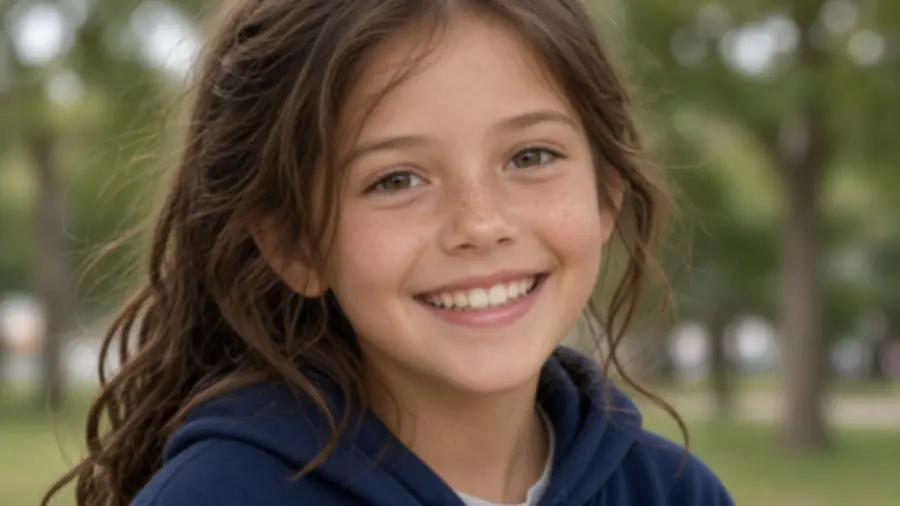
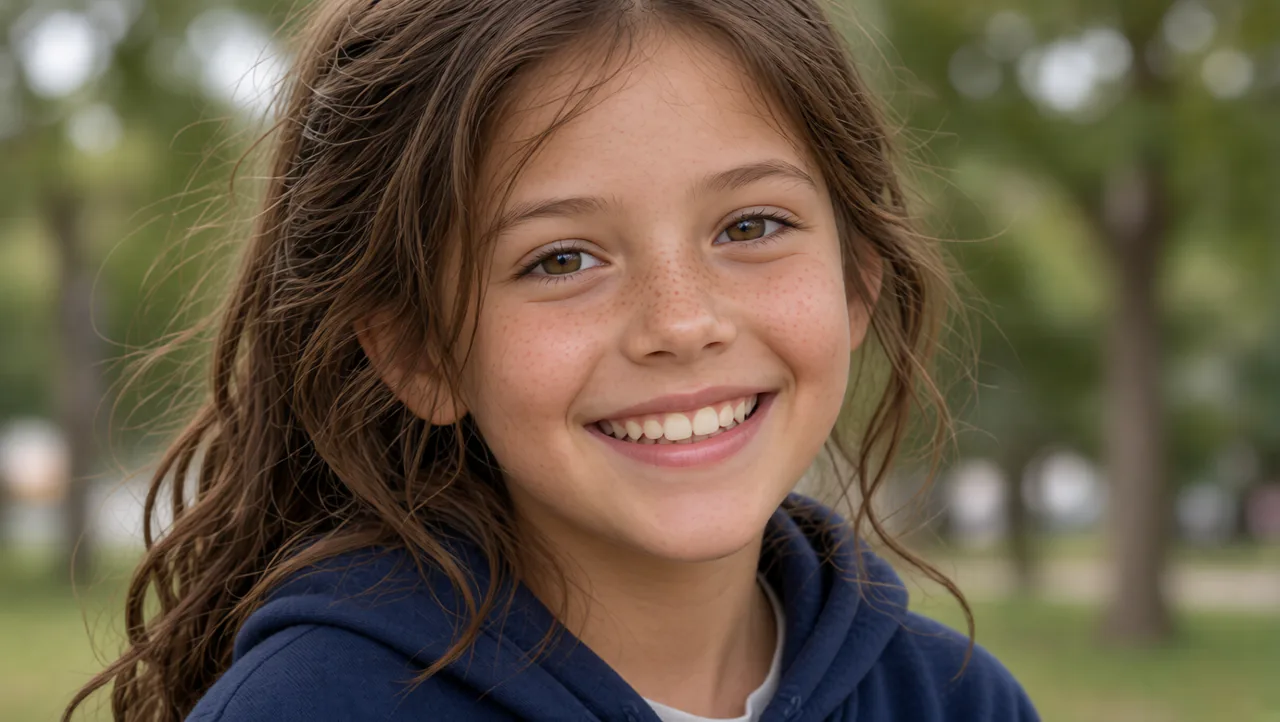
Convert Low Resolution Images to HD
Upload a small, pixelated or compressed image and convert it to 1080p or higher. The converter rebuilds edge detail instead of simply stretching pixels, so the result stays sharp when viewed at full size.
Convert low-resolution images to HD in one click. Choose your target resolution — 1080p, 2K or 4K — and get a sharp, high quality image back. Free, no watermark, no signup.


No watermark · No signup · Free daily quota
Not every image needs 4K. Pick the resolution that matches where the image will be used — converting beyond the target only adds file size.
| Target | Pixel size | Best for |
|---|---|---|
| 720p (HD) | 1280 × 720 | Web images, social posts |
| 1080p (Full HD) | 1920 × 1080 | Website headers, YouTube thumbnails, presentations |
| 2K (QHD) | 2560 × 1440 | E-commerce product images, high-DPI wallpapers |
| 4K (UHD) | 3840 × 2160 | Print previews, large displays, posters |
A 200 px thumbnail cannot become a true 4K photo — conversion reconstructs detail, it does not invent what was never captured. For severely degraded sources, expect a clean 1080p result rather than a sharp 4K one.
Upload a small, pixelated or compressed image and convert it to 1080p or higher. The converter rebuilds edge detail instead of simply stretching pixels, so the result stays sharp when viewed at full size.
Motion blur, out-of-focus shots and heavy JPEG compression all hide detail. Our converter analyses the image, recovers what it can and outputs a clean HD file — not a softened, oversharpened copy.
4K output is available for sources that carry enough detail. The model predicts missing pixels rather than interpolating them, which is why 4K conversions keep natural texture instead of turning into blocks.
Have a whole folder of product shots or screenshots? Upload them together and apply the same target resolution so every file in your catalogue matches.
No format dance. Drop in photos straight from your phone or camera — HEIC included — and download in PNG, JPG or WEBP.
Drag an image in or click to browse. JPG, PNG, WEBP and HEIC up to 25 MB.
Choose 720p, 1080p, 2K or 4K.
Get your HD file back in seconds — no watermark, no account required.
The file you download is the file you keep. No logo stamped on your image, on any plan.
We rebuild detail rather than resample pixels, so edges stay clean at 1080p and above.
Anonymous uploads are supported within the free daily quota.
Images are encrypted in transit and removed from our servers automatically.
Need to improve overall image quality rather than just change resolution? Try our free AI photo enhancer on the homepage.